English
 Español
Bubbles, wrinkles or uneven pressure ruining your laminated output? This diagnostic guide breaks down root causes by sym...
Nov 27,2026


Lamination defects rarely announce themselves with a single, obvious cause. A bubble that appears near the edge, a wrinkle that shows up only at full line speed, or a band of poor adhesion on one side of the sheet — each points to a different layer of the process: tension, temperature, nip pressure, or the substrate itself. The costly mistake is adjusting settings by instinct before recording what the machine was actually doing when the defect appeared. This guide provides a symptom-first diagnostic framework, so you can move from “something is wrong” to “this specific parameter is out of range” in a repeatable sequence.
Most lamination troubleshooting fails because operators change two or three settings at once, then cannot isolate which change — if any — solved the problem. A more disciplined starting point is to log a small set of values before touching any control. These six data points narrow the fault to a specific subsystem.
| Value to Record | Why It Matters | Where to Find It |
|---|---|---|
| Substrate grammage and moisture condition | Sets heat demand and how the sheet reacts to tension; uneven moisture is a hidden cause of bubbles and curl | Incoming material record, or spot-check with a moisture meter |
| Film type, batch and coat weight | A new film batch is one of the most common explanations for a sudden defect change | Batch label, coating unit setting |
| Line speed at the moment of the defect | Separates speed-related faults (insufficient dwell time) from purely mechanical ones | HMI speed log, not memory |
| Roller surface temperature — left / centre / right | A cross-web temperature difference points to heating uniformity, not pressure | Surface probe or machine zone readings |
| Nip pressure — left and right; tension by zone | One-sided defects almost always start here | HMI setpoints and actual load readings |
| Working width, reel diameter and position within reel | Identifies edge-only, core-only, and reel-change patterns | Job sheet and reel-change log |
A defect that appears only at the start of a reel, only at maximum speed, or only on one edge is telling you something different in each case. Without the log, all three tend to receive the same guesswork adjustment. If you are still building a baseline understanding of how temperature, pressure and film choice interact across different substrates, the industrial film lamination process overview covers the material-side fundamentals that sit behind every defect discussion below.
Bubbles are not one problem. The fix depends on whether the void contains air that was never evacuated at the nip, or vapor generated after the film was already sealed. Treating a heat-generated bubble with more pressure can make it worse by sealing the vapor in more tightly.
Air-entrapment bubbles typically form at the nip because the film was not taut or the sheet was fed faster than the laminator could accept it. Insufficient supply-roll tension allows the film to enter the nip with micro-slack, trapping air between film and print. Low nip pressure then fails to squeeze that air outward before the bond sets.
Heat-generated bubbles follow a different path. If the ink layer retains solvent, or if the roller surface has “hot spots” from sitting idle, the trapped moisture or solvent can flash into vapor under the film. In one documented case, a laminator set to 85°C developed a localized hot spot above 95°C where the rolls rested together, enough to boil residual inkjet ink and produce visible bubbles.
A practical first step is therefore to ask: Does the bubble pattern follow the sheet, or does it repeat at a fixed interval tied to roll rotation? Repeating bands suggest a roller-surface temperature or damage issue on one section of the roll, not a global pressure problem. Random bubbles concentrated in heavy-ink areas point toward drying or ink compatibility. Edge-only bubbles more often indicate a left-right pressure or tension imbalance.
Wrinkles almost always invite a pressure adjustment, but tension is the more frequent root cause. The film must enter the nip with enough resistance to lay flat; too little unwind tension lets the web wander and fold, while excessive tension stretches the film and creates its own wave patterns. The Printing United Alliance lists supply-mandrel tension as the first item to verify when wrinkles appear, followed by laminating and pull-roll pressure adjustment, cooling-fan function, heat setpoint, roller cleanliness, and correct film threading.
Wrinkle orientation narrows the cause further. A diagonal wrinkle suggests the machine is not tracking straight or the pressure on the left and right ends of the nip roll is unequal. A longitudinal wrinkle points toward excessive film tension in the machine direction, which may require reducing the unwind brake force while verifying that the pull-roll nip is not fighting the film feed. Edge-only waviness often traces back to a film reel with baggy edges or inconsistent width, in which case no amount of nip-pressure tuning will fully eliminate it.
One disciplined rule: after any material change — new film batch, new paper lot, new roll — run 3–5 metres of waste material and observe how the web tracks across the idler rollers before producing a saleable sheet. A wrinkle that appears immediately on threading is a tension or alignment issue; one that develops only after the machine reaches full thermal steady state is more likely heat- or speed-related.
When adhesion looks weak on one side, the instinct is to increase total nip pressure. But increasing the setpoint on a roller that is already misaligned or flexing under load can make the distribution worse, not better. A laminating roller under high linear pressure bows in the centre; the pressure at the two ends becomes steeper while the centre loses contact force, producing a one-sided or centre-weak bond that looks like a pressure “shortage” but is actually a pressure distribution failure. The same mechanism — roller flex under load — is a recognized source of nip-pressure non-uniformity across the web width.
The first diagnostic distinction is therefore: Is the defect symmetric across the width, or one-sided? A one-sided weak bond or bubble pattern points to roller parallelism, bearing wear, or a chuck that is not seating squarely. A symmetric centre-weak pattern at high pressure suggests roller deflection, in which case the solution may be a crown correction or a lower total pressure with better mechanical support — not a higher setpoint.
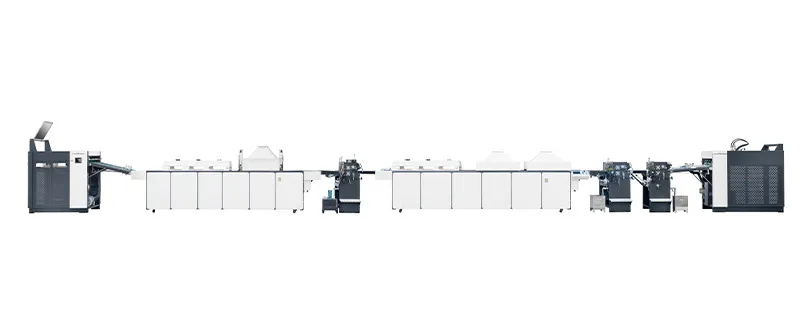
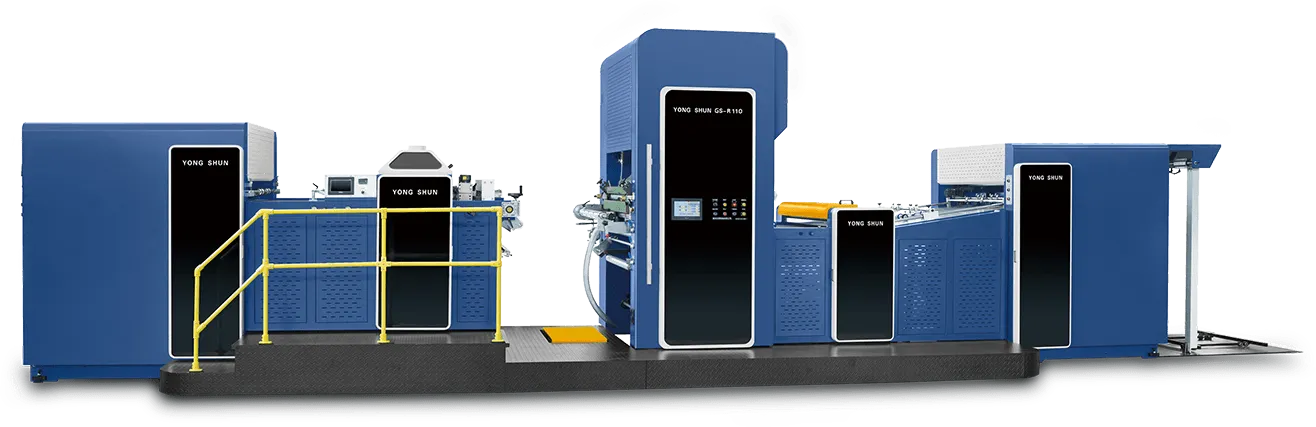
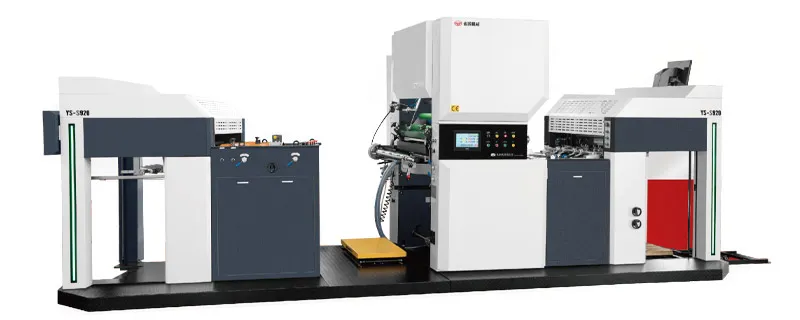
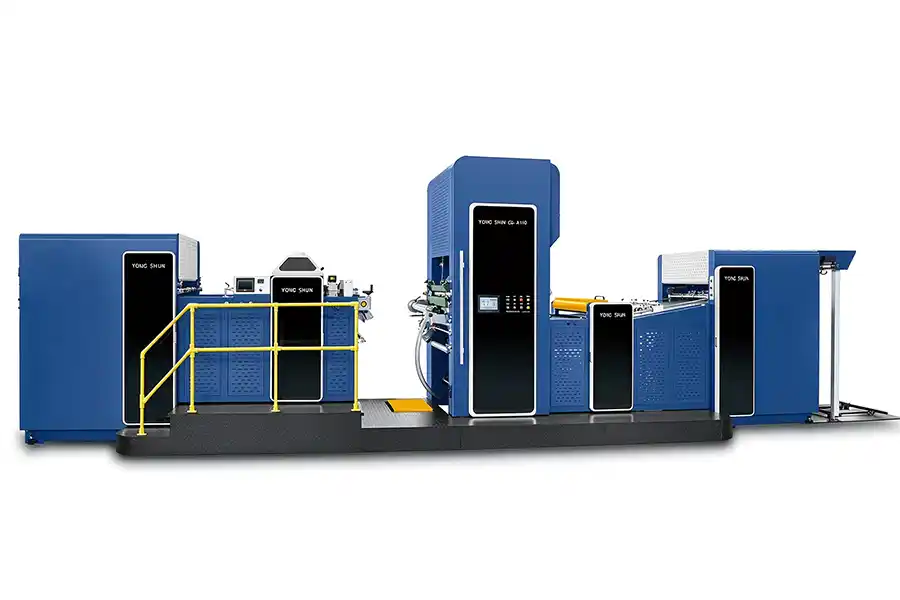
Pressure also interacts with temperature and speed in ways that can mimic a pure pressure fault. If the roller surface is cooler on one side because the machine was warmed up without the motor running, that side will produce poor adhesion even when nip pressure is uniform. The symptom looks like “not enough pressure,” but the log of left/centre/right roller temperature exposes the real variable. For a closer look at how modern servo-driven laminators manage these interactions through controlled nip pressure and alignment, the automatic film laminating machine series shows the mechanical design choices — servo nip control, heated-roller temperature zones, and sheet-alignment systems — that determine how tunable the pressure distribution actually is on a given platform.
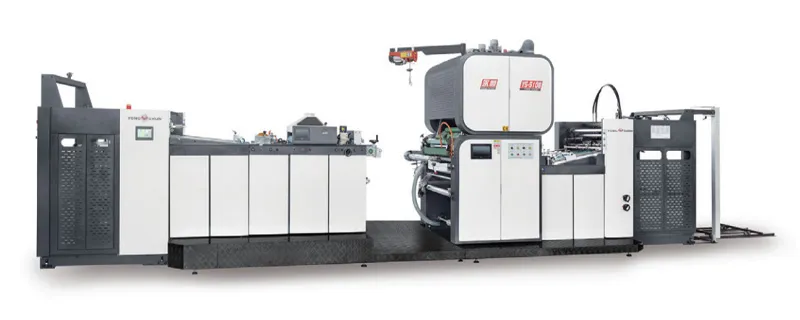
Scenario A: Luxury packaging with PET film and thick cardstock. Bubbles appearing near the trim edge after hot-knife cutting often come from insufficient dwell time at the trim line, not global nip pressure. Before increasing pressure, verify that the hot-knife temperature and line speed are giving the adhesive enough time to wet out at the edge. A pressure increase can crush the cardstock edge and create a different defect — edge curl or delamination at the cut — without solving the original bubble.
Scenario B: Short-run digital printing with varying ink coverage. Random bubbles across heavy-ink panels point first to ink drying and roller hot spots, not to tension. Letting the laminator idle with rolls closed is a common cause of localized overheating; keeping the rolls turning during pauses or reducing standby temperature is more effective than any pressure change. Because digital substrates vary batch to batch, recording film batch and substrate moisture before each job is especially important here.
For shops running mixed orders — water-based, pre-coated, and non-adhesive film on the same floor — the lamination solutions overview outlines how different film chemistries change the troubleshooting priorities. A water-based adhesive system is more sensitive to drying and coat-weight uniformity; a pre-coated film system shifts attention toward roller temperature uniformity and nip dwell. The same symptom can therefore require a different first check depending on the lamination method in use.
Once you can reliably separate air-entrapment bubbles from vapor bubbles, tension-driven wrinkles from pressure-driven ones, and one-sided pressure faults from centre-weak deflection, the next decision is not “which setting to change” but which machine architecture makes those adjustments possible and repeatable. A platform with independently readable left/right nip pressure, zone-level roller temperature feedback, and servo-controlled tension per zone gives an operator the observability needed to diagnose defects without guesswork. If your current laminator lacks those feedback points, the bottleneck is diagnostic capability, not operator skill.
A useful comparison for that decision is the trade-off between hot-knife and disc-knife cutting mechanisms, because the cutting method determines which downstream defects you will spend the most time preventing — edge sealing on PET versus dust and paper waste on thin stock. From there, reviewing specific configurations against your dominant substrate and film chemistry becomes a matter of matching feedback resolution and pressure-control architecture to the defects you actually need to eliminate.
Hot Knife vs Disc Knife Laminating: Which Cutting Method Fits Your Packaging Mix?
How to Laminate Paper: Temperature, Pressure and Film Selection
Industrial Film Lamination Process: Materials, Steps and Applications
This article is part of YONGSHUN’s technical content library. No direct sales or pricing information is included. All technical discussions aim to help you make informed purchasing decisions.
GET A QUOTE